Tekoon: A Typing Game App for Children and Teens
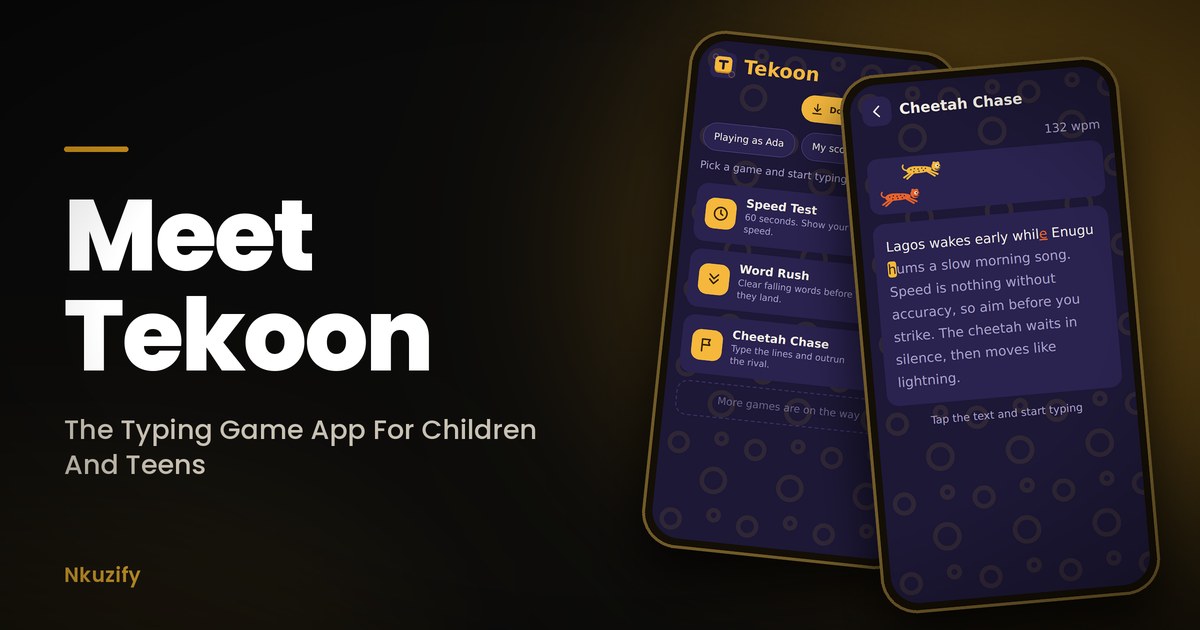
The fastest animal on land does not run fast by accident. It practises, it stays low, and it never takes its eyes off the target. A child learning to type is no different. Tekoon is a typing game app for children and teens, built by Nkuzify, that turns that practice into play.
Why We Built Tekoon
Most children and teens today touch a keyboard for the first time on a phone or a tablet, not a computer. We wanted something like the old Mavis Beacon typing lessons that plays properly on those, and we could not find one. So we built it ourselves.
Tekoon is made for children and teens, so it is simple. There are no accounts, no sign-up and no ads. Open it, type a first name or a nickname so your scores are kept, pick a game and start typing.
A Short Story: Ada And The Cheetah
Picture a nine-year-old girl in Enugu, a made-up child but one you may know. Call her Ada. She borrows her uncle's tablet after school and opens Tekoon. Her first Speed Test is slow. She looks at the keys, types a word, looks up, loses her place.
Then she meets the cheetah. In Cheetah Chase, a rival cheetah races across the top of the screen, and Ada loses by a whole sentence. She laughs and tries again. The second time she stops looking at the keys. The third time she wins.
Nothing about Ada is special. She just found a game that made practice feel like a race, and she kept coming back. That is the idea behind Tekoon: any African child can learn to move across a keyboard with the speed and focus of a cheetah.
What You See When Tekoon Opens
Every time Tekoon opens, a short splash plays. The Tekoon logo appears, then "by Nkuzify" drops down underneath it, and a moment later the home screen arrives. The splash plays again when a child comes back after more than a minute away, so it feels like opening a real app each time.
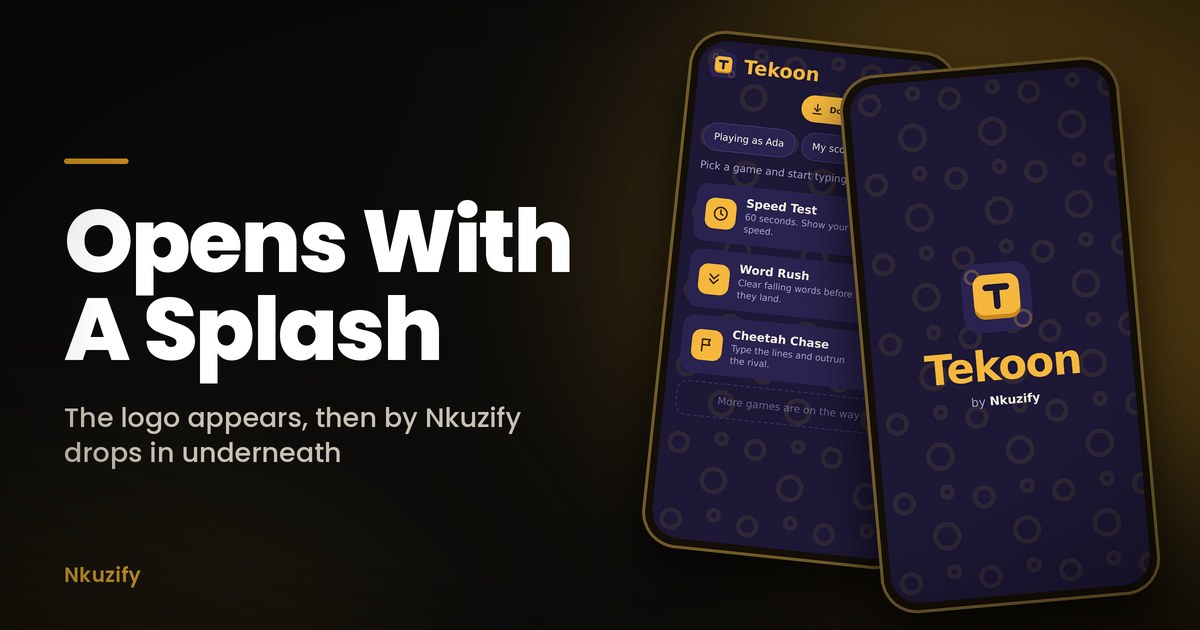
The home screen shows who is playing, for example "Playing as Ada", a My scores button, and one big card for each game. Tap a card and the game starts.
The Three Games
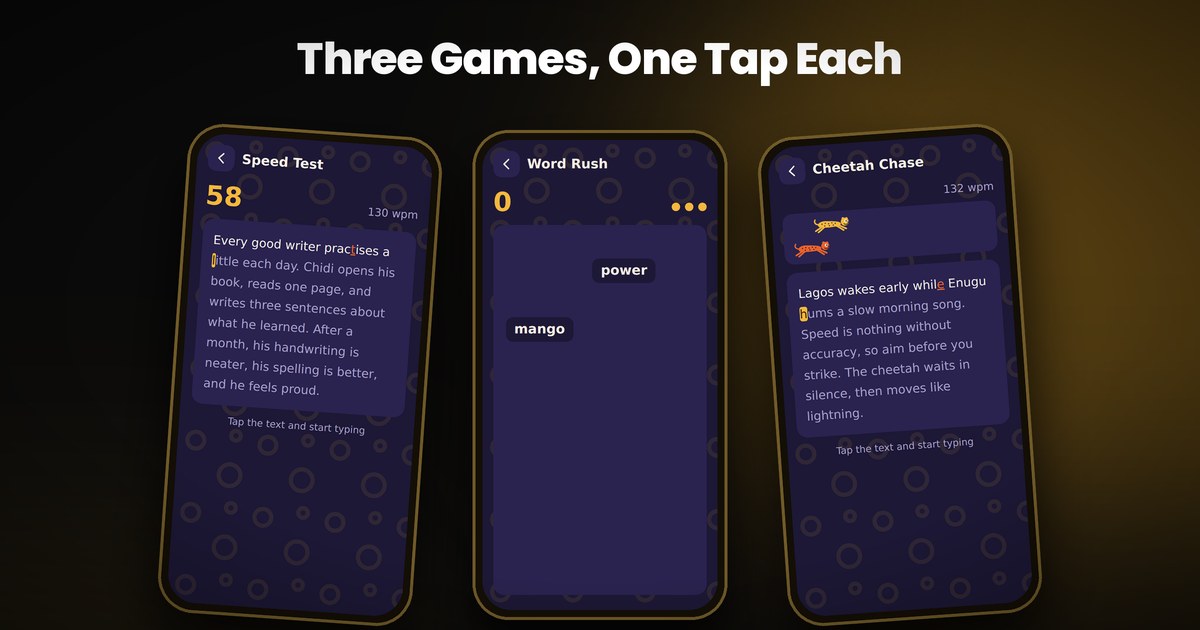
Speed Test
You have one minute to type a short passage. The passages are real sentences with capital letters and full stops, about places and things children know, like Lagos, Abuja, Enugu, yam, plantain and a village evening. A different passage plays each time. When time is up, you see how fast you typed in words per minute and how accurate you were.
Word Rush
Words fall from the top of the screen, and you type each one before it lands. You have three lives, and every word that hits the bottom costs you one. The longer you last, the faster the words fall. Made a mistake in the middle of a word? Press Space or Enter and start that word again.
Cheetah Chase
You type three sentences while a rival cheetah races you across the top of the screen. You are the amber cheetah and the rival is the orange one. Beat it and you win. Lose, and you simply try again, with no score taken away.
How The Letters Change Colour
- Cream means you typed the letter correctly.
- Red and underlined means you made a mistake.
- Amber is the next letter to type.
Every Player Gets Their Own Scores
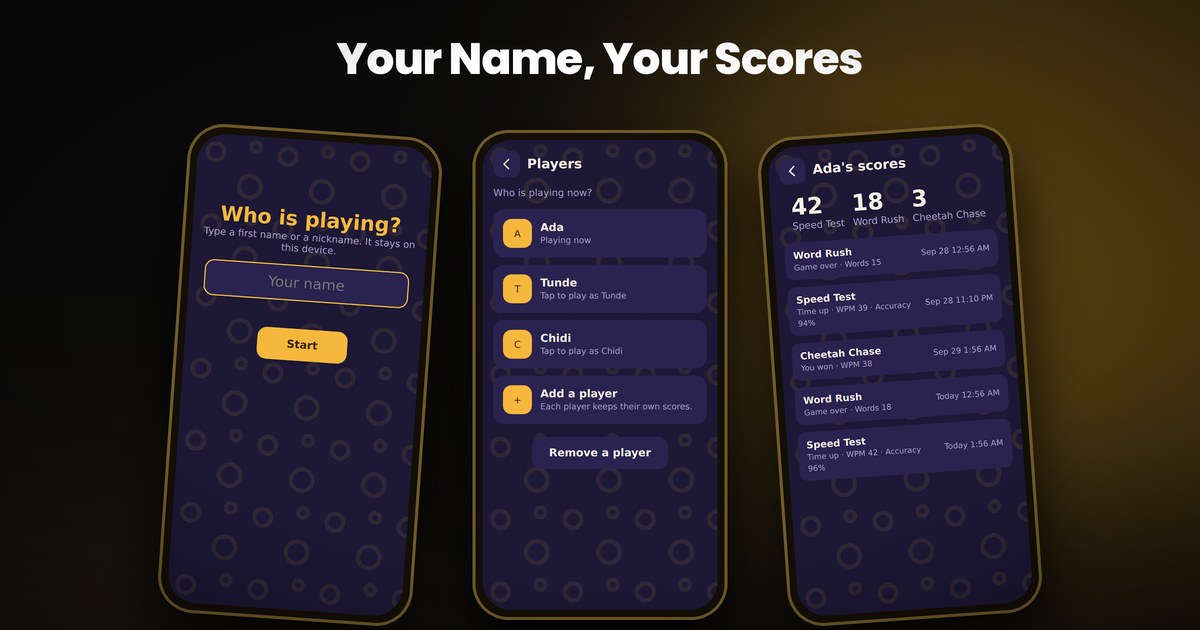
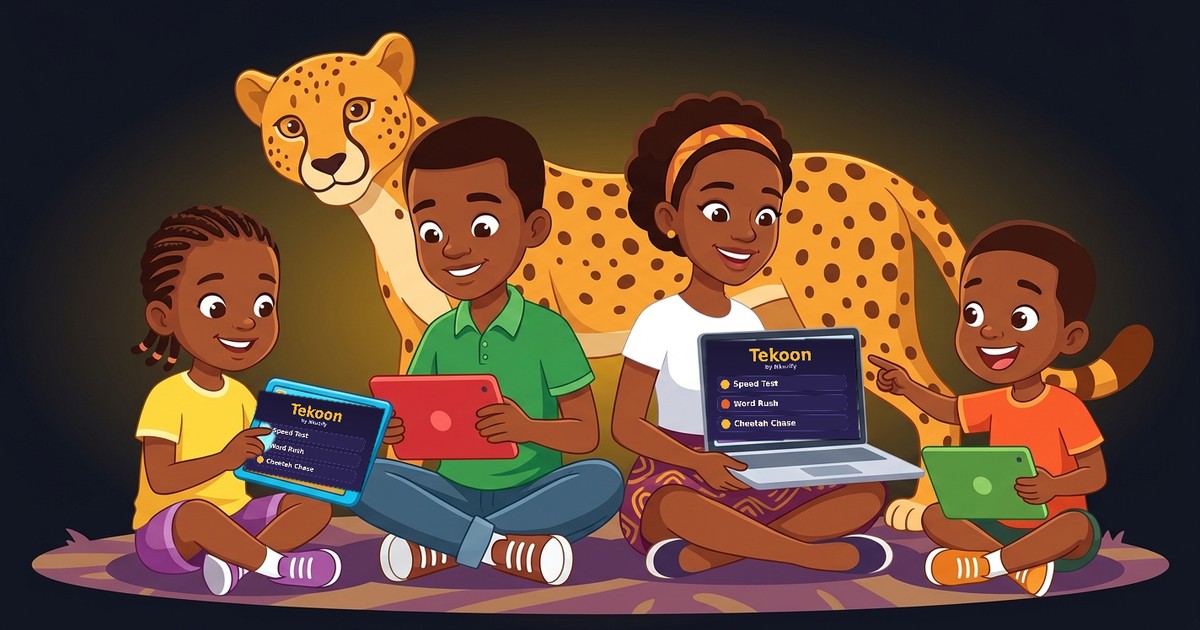
The first time Tekoon opens, it asks Who is playing? Type a first name or a nickname and you are in. Up to eight players can share one phone or tablet, which suits a family or a classroom. Tap "Playing as" on the home screen to switch player or add another. A player can also be removed, and their scores go with them.
The My scores button shows a player's best result in each game and their last 30 games with the date and time, so a child or teen can watch themselves get faster week by week. A game that a child quits halfway is saved as Left early, so the effort is not lost.
Leave Mid-Game, Come Back, Carry On
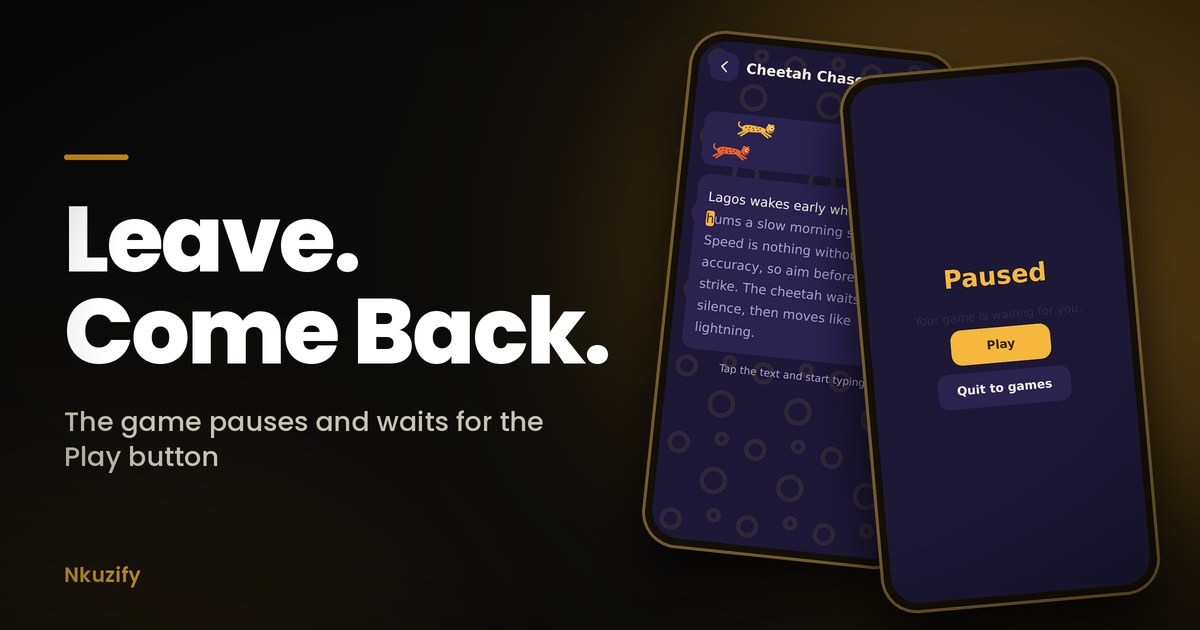
Children and teens get called for dinner, and a message pops up in the middle of a game. Tekoon expects that. If a child leaves the app during a game, the game pauses. When they return, they see a Paused screen with a big Play button, and the game carries on exactly where it stopped, with the clock still holding the same time. If they were away for more than a minute, the Tekoon splash plays first and then the Play button appears. A small Quit to games button is there for anyone who is done.
Works Offline, Updates Itself
After the first visit, Tekoon works without internet, so it can go on long trips and into places where data is a problem. When we improve the app, it downloads the update quietly in the background. If a child does not see the newest version straight away, closing the app and opening it once more brings it in.
How To Get Tekoon On A Phone Or Tablet
You do not need an app store. Tekoon installs straight from the browser at nkuzify.com/tekoon.
- On Android: tap Download as an app. If your phone does not show the install box, open the browser menu and choose Install App or Add To Home Screen.
- On an iPhone or iPad: tap the Share button, then Add To Home Screen.
Tekoon then sits on the home screen like any other app.
Safe For Children And Teens
Tekoon has no ads, no accounts and no sign-up. The only thing it asks for is a first name or a nickname, and that name, with the scores, stays on the phone or tablet. Nothing is sent to us or to anyone else.
Tips For Parents And Teachers
- A tablet with a keyboard gives the truest speed reading. A phone still works, but typing on a phone screen is slower, so do not be discouraged by the number.
- On a shared device, give each child or teen their own name so their progress stays their own.
- Short and often beats long and rare. Ten minutes a day is better than one hour on Sunday.
Questions Parents Ask
Do we need internet to play?
Only for the first visit. After that Tekoon works offline.
Will scores move to another phone?
No. Scores stay on the device where the child played.
Can two children or teens share one tablet?
Yes. Add each one as a player, and each one keeps their own best scores and history.
What if my child or teen is interrupted mid-game?
The game pauses and waits behind a Play button. Nothing is lost.
What Is Coming Next

Tekoon has three games today, and this is only the start. In October we begin rolling out more games. Our plan is to reach a total of 20 games by the end of the last quarter of 2026, and to bring Tekoon to the mobile app stores in the first quarter of 2027.
If your child or teen gets tired of the same three, that is exactly what we want to hear. Tell us which game you want next.
Comments (1)